Advertisement
Click to download now, finish the installation quickly, and directly unlock the all-round experience
Advertisement
Screenshots


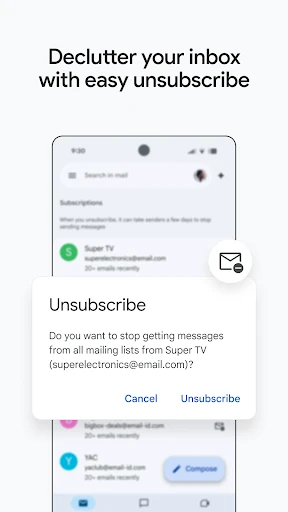
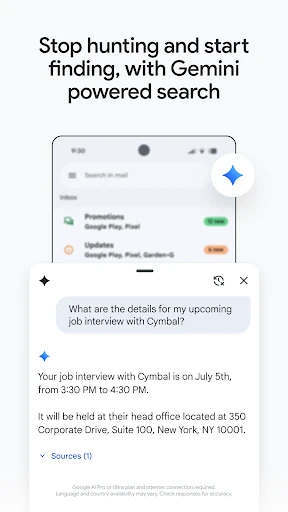
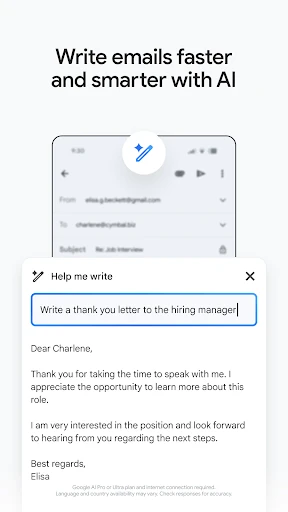
Click to download now, finish the installation quickly, and directly unlock the all-round experience
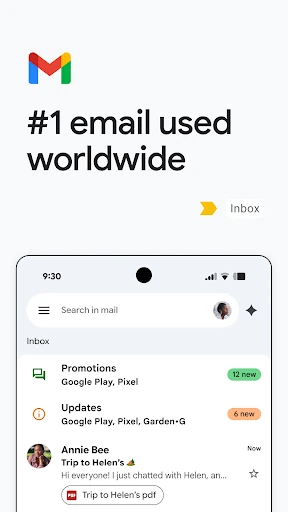
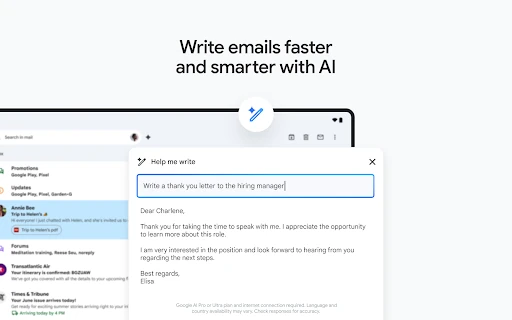
Gmail is an email app for reading, writing and organizing messages on an Android phone. It suits people who manage personal or work correspondence from their phone, especially those already using Google services. Its store category is Communication; its day-to-day job is handling email.
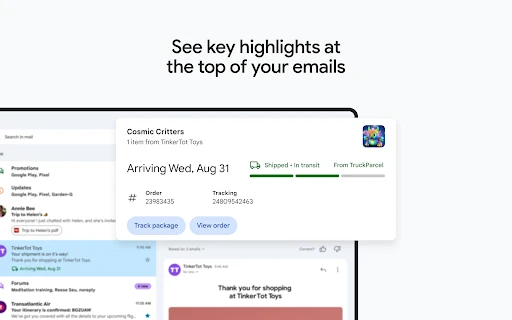
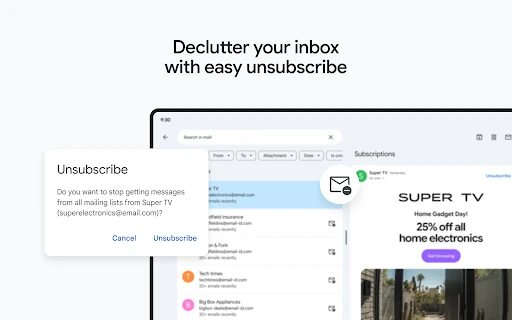
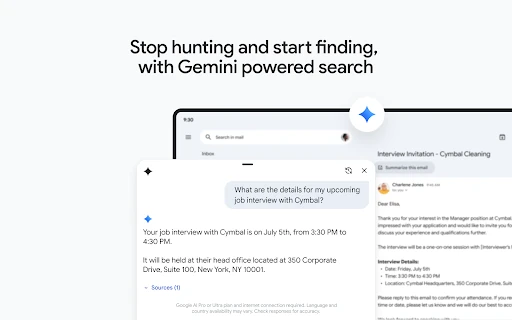
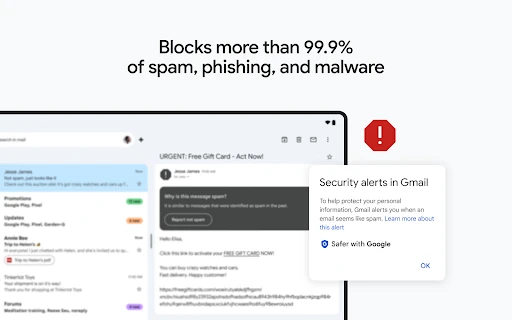
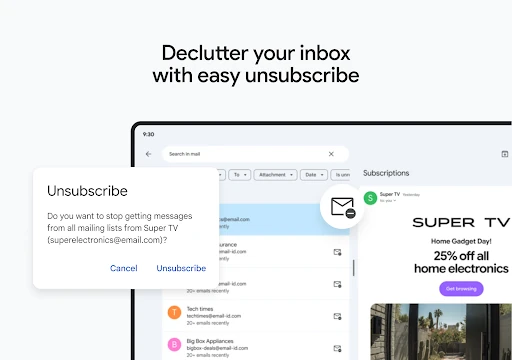
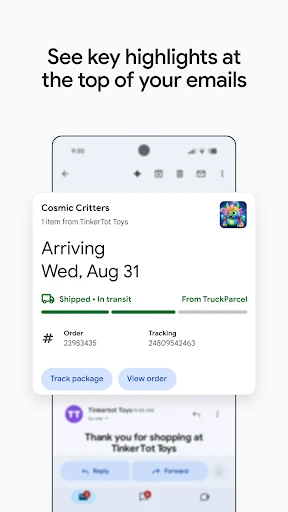
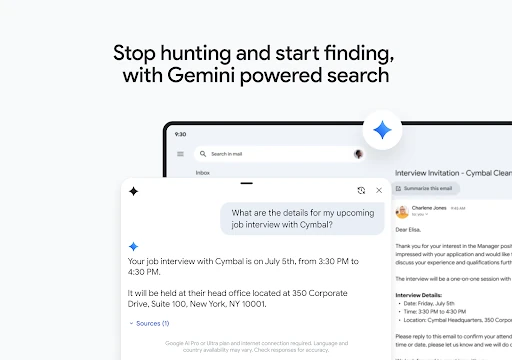
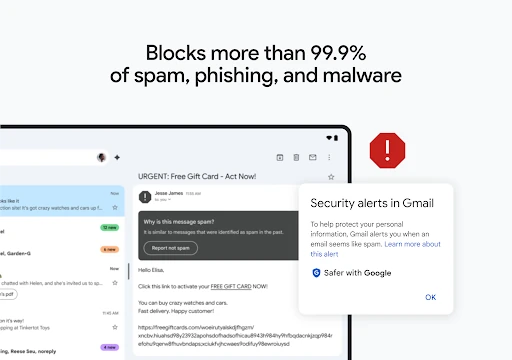
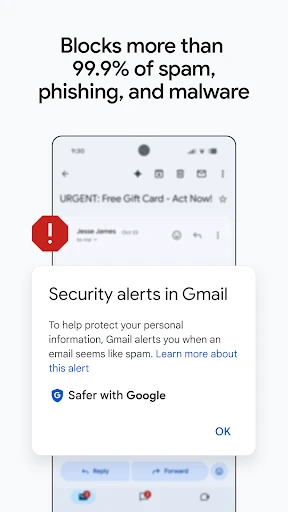
Use search to look for older messages, and organize mail into labels and folders rather than keeping everything in one long list. Gmail also filters spam and can flag suspicious messages. These tools help when an inbox receives a steady mix of conversations, receipts, notifications and other mail.
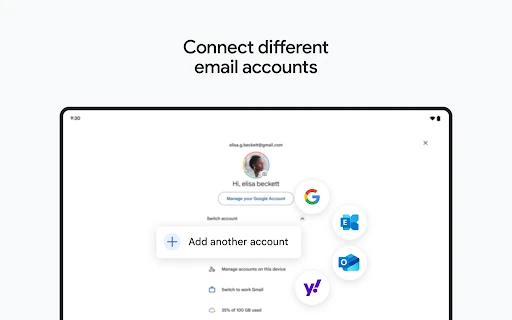
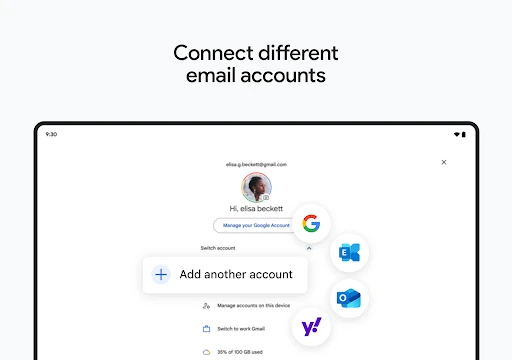
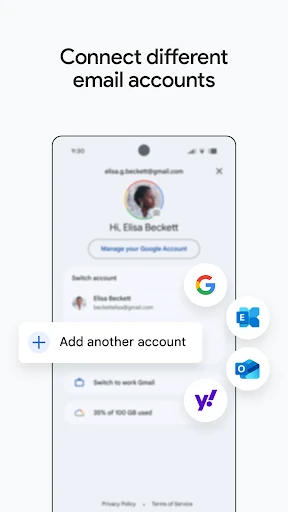
The app supports more than one email account, so you can switch between inboxes without treating each address as a separate app. Gmail can also bring together accounts from other providers, making it useful for people who want a single place to check several addresses.
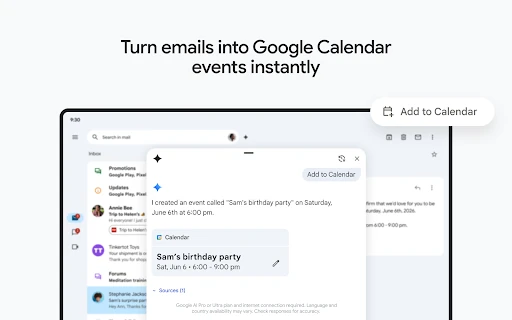
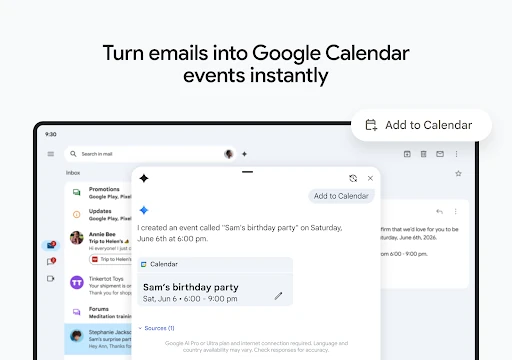
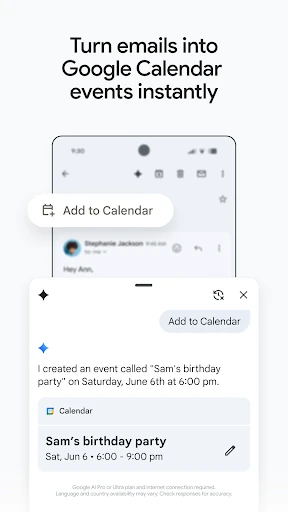
For people who use Google Workspace, email can sit alongside services such as Calendar, Meet and Chat. That can make it easier to follow a meeting invitation or continue a work conversation, though Gmail’s central purpose remains sending and managing email. The extra connections are most relevant to users who already rely on those services; they are not necessary for basic inbox use.
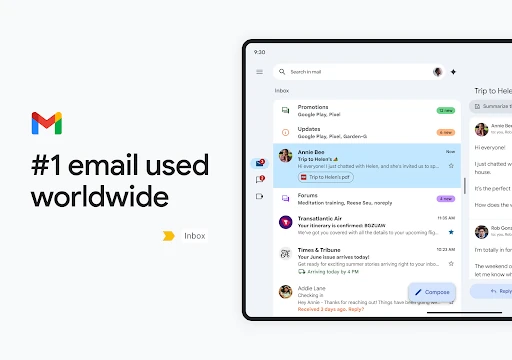
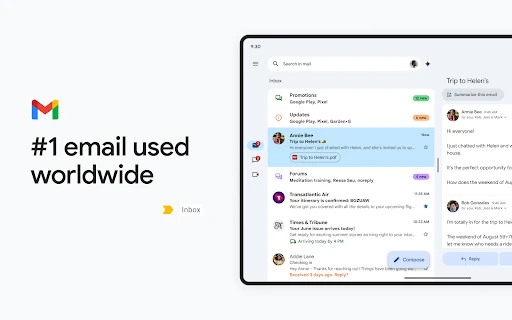
Those figures show how widely used the app is, but the practical choice depends on whether its email tools and Google connections fit the way you handle messages. If you need a straightforward mobile inbox with search, spam filtering and multiple accounts, Gmail is built for that job.