Quick Settings
Simone Sestito
Downloads
1,000,000+
Source
Google Play
Advertisement
Click to download now, finish the installation quickly, and directly unlock the all-round experience
Advertisement
Screenshots
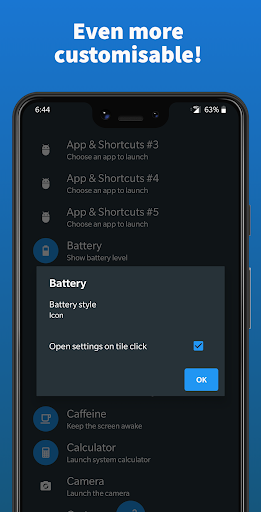
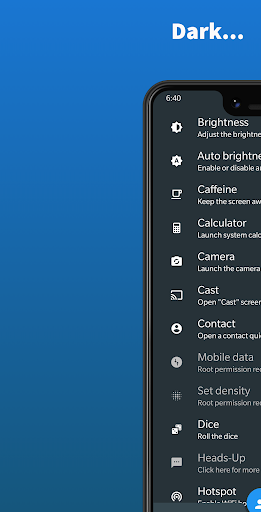
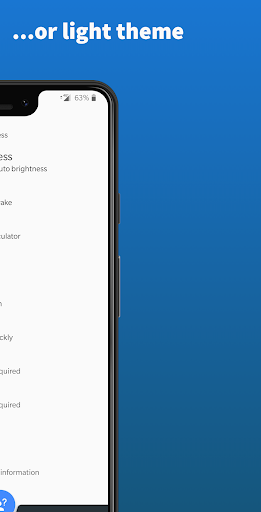
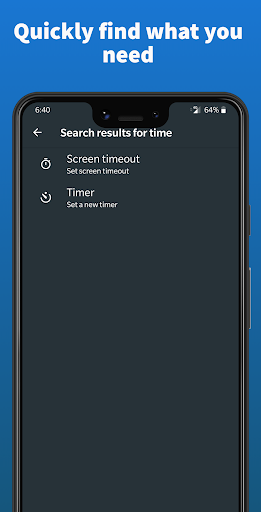
Click to download now, finish the installation quickly, and directly unlock the all-round experience
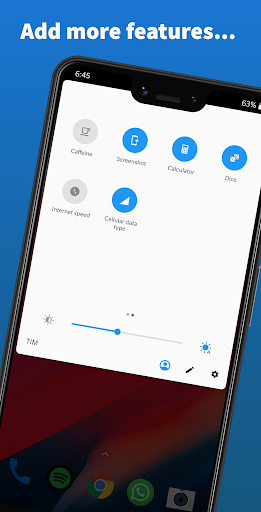
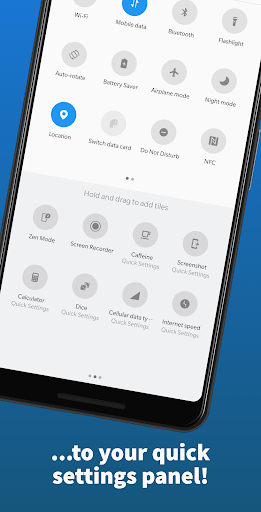
Quick Settings adds extra tiles to Android’s Quick Settings panel, letting you reach selected controls and shortcuts from the panel instead of opening an app or digging through Settings. It suits people who want more actions in that panel and are comfortable choosing which tiles to add.
The listing puts it in Personalization; its practical job is to extend the system shortcut panel. The developer is Simone Sestito.
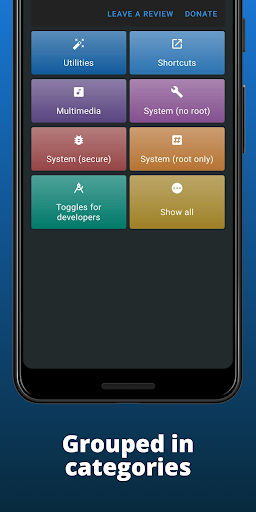
The app offers more than 53 tile options. These cover device controls, quick tools and shortcuts, rather than one single task.
That range makes the app useful if the standard panel leaves out controls you use often. You can select tiles that fit your routine instead of keeping every available option.
Tiles depend on Android’s TileService support, which some manufacturers’ software does not provide. The listing says the app does not work on Chinese ROMs for this reason. On MIUI, it requires at least MIUI 10. Some advanced tiles may also need the WRITE_SECURE_SETTINGS permission granted through ADB.
The app can request Device Administrator and Accessibility permissions for its screen-lock feature. According to the listing, these are used only when the user enables or explicitly presses that feature.
Quick Settings has a rating of 4.23 from 15,485 ratings and more than 1,000,000 installs. Those figures give a sense of its reach, but compatibility with a particular device’s software remains the key consideration.