
Webex Meetings
Cisco Systems, Inc.
Downloads
100,000,000+
Source
Google Play
Advertisement
Click to download now, finish the installation quickly, and directly unlock the all-round experience
Advertisement
Screenshots
Click to download now, finish the installation quickly, and directly unlock the all-round experience
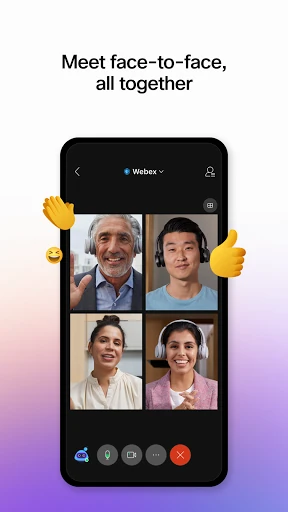
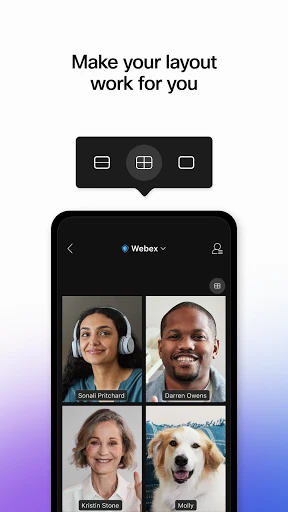
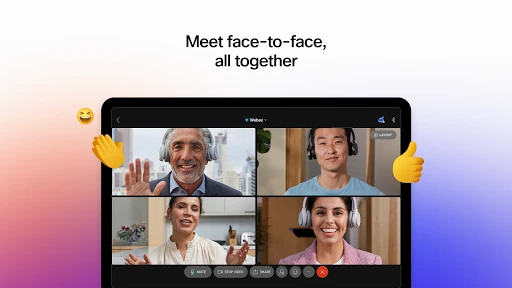
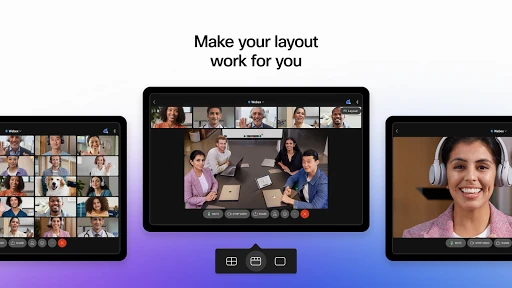
Webex Meetings lets people join and take part in online meetings from an Android device. It suits employees, clients and teams who need to talk face to face remotely, or follow a meeting when they are away from a desk. During a session, participants can use audio and video, share a screen and work with tools such as polls and annotations.
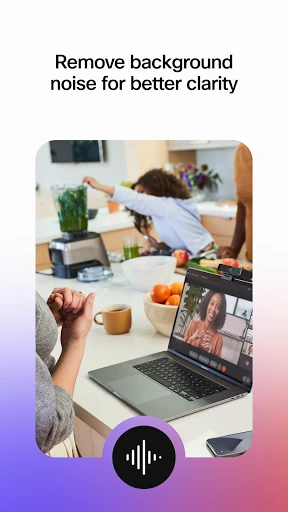
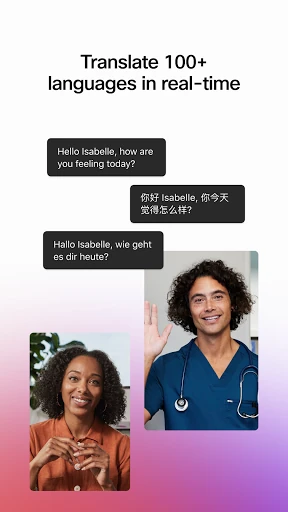
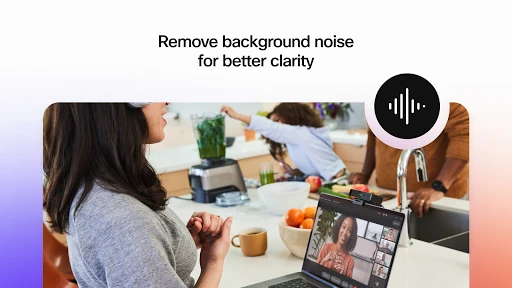
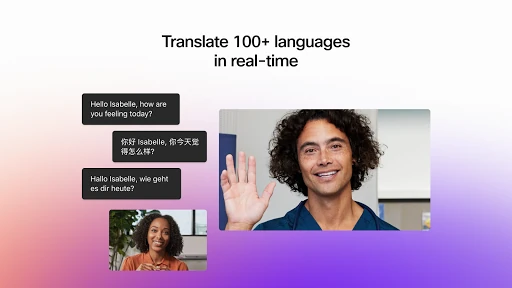
Screen sharing makes it possible to show a presentation or other material to the meeting, while polls and annotations give participants ways to respond or mark up shared content. Noise cancellation is intended to reduce distracting background sounds. Meetings can also be recorded for people who could not attend, and real-time translation supports communication across languages.
These features make the app useful for more than a quick call: it can support presentations, group discussion and sharing information with colleagues. The practical value depends on what the meeting host has set up and which tools are available for that session.
The Business category identifies the setting Webex Meetings is commonly used in, but its job is more specific: it is a mobile meeting client for joining and contributing to remote sessions. It is not a general office suite or a tool for managing projects. People mainly need it when an organization or contact uses Webex for meetings.
The large install count and review total show that Webex Meetings is widely used. Its rating offers a quick measure of user feedback, though it cannot tell you whether the app matches the meeting tools and setup used by your own workplace.